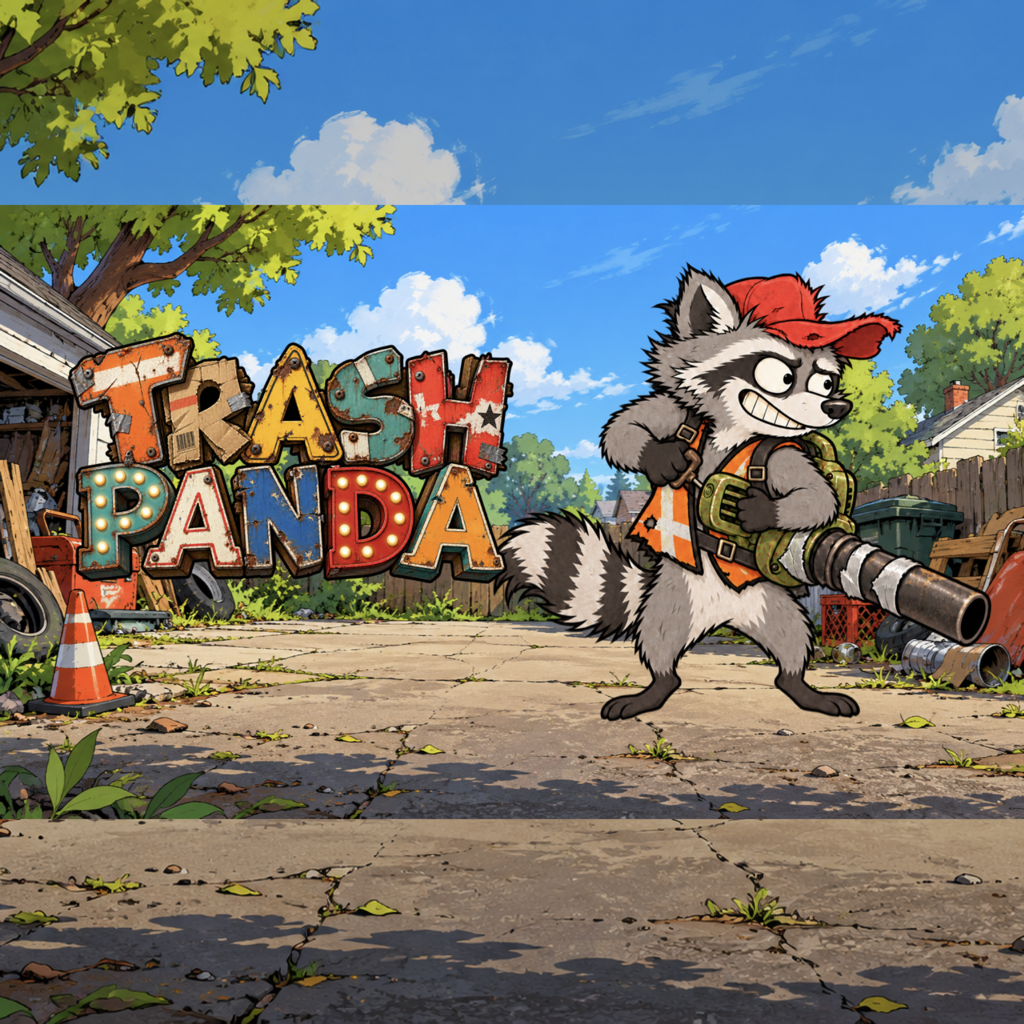
Cleanup has gone off the rails
Trash Panda Support
Help Don keep flying, collect Trash Cash, and avoid an undignified ride with Animal Control.
Available for Apple TV, iPhone, and iPad.
Quick start
One button. Questionable judgment.
-
1
Blast upward
Press the center remote button on Apple TV, or tap on iPhone and iPad. Each blast uses one gas can.
-
2
Stay airborne
Collect gas, bounce off flying grocery sacks, and use boosters to keep Don moving.
-
3
Bank the cleanup
Reach dumpsters to bank Trash Cash, then spend it on outfits, boosters, and power-ups.
Common questions
Keeping Don out of the van
How do I control Don?
Trash Panda uses one primary action. Press the center remote button on Apple TV, or tap on iPhone and iPad, to fire the leaf blower and blast upward. Don moves forward automatically.
How do I earn Trash Cash?
Trash Cash is banked when Don reaches a dumpster. Collecting flying grocery sacks before a dumpster can add to the payout.
What happens to purchases if I reinstall the game?
Use the restore-purchases option in the store while signed in with the Apple Account that made the purchase. Apple processes all payments and restores.
Why is my progress different on another device?
Make sure both devices are signed in to the same Apple Account with iCloud available for Trash Panda. Sync can take a short time after launching the game.
How do I report a crash or gameplay problem?
Email us with the device model, operating-system version, what Don was doing, and whether the problem happens every time. Those details help us reproduce it.
Run-saving tips
A little planning helps
Don is overconfident enough for both of you. Watch the fuel meter and save a blast for emergencies.
- Keep an eye on the gas-can count in the top-right corner.
- Objects with a red outline are obstacles—avoid them.
- Flying grocery sacks give Don a bounce and help increase the next dumpster payout.
- Unlocked boosters and power-ups can appear during future runs.
Still stuck?
Talk to n5 Interactive
Include your Apple TV, iPhone, or iPad model and software version so we can help more quickly.